
3_MIN_READSeedance
Seedance 2.5 Flash: Faster AI Video at a Lower Cost
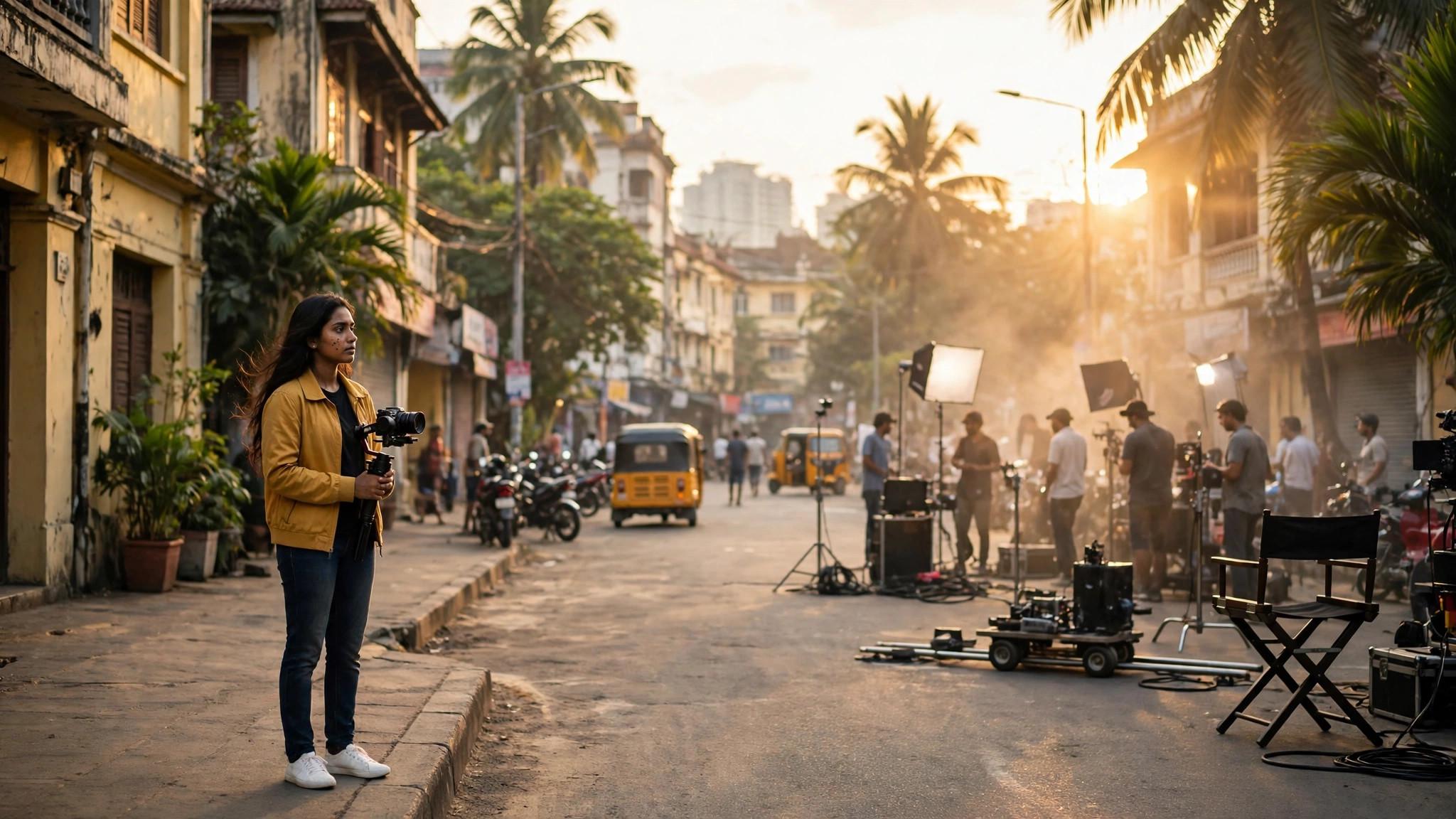
ByteDance released Seedance 2.5 Flash, a faster and cheaper version of Seedance 2.5. It makes AI video clips up to 30 seconds with sound, at about half the wait and a third less cost. Here is what changed and how to try it in NFX Studio.
ByteDance has a new AI video model, and it is built for speed. Seedance 2.5 Flash is a faster, cheaper version of Seedance 2.5. It keeps clips up to 30 seconds long, with sound included, and ByteDance says it renders nearly twice as fast at about 34 percent lower cost.
What is Seedance 2.5 Flash?
Seedance 2.5 Flash is the speed tier of ByteDance Seedance 2.5, the AI video model from ByteDance. BytePlus announced it on 12 November 2026, and the API opened on 15 November 2026. It works the same way as Seedance 2.5: type a prompt, or start from an image, and it returns a short video clip with matching sound. The difference is time and price.
What changed: speed and price
Flash is about twice as fast. In independent tests, a 10 second 720p clip took about 76 to 89 seconds on Flash, against 166 to 175 seconds on full Seedance 2.5. The price is lower too: about 0.152 US dollars per second at 720p, around 34 percent less than Seedance 2.5.
It still does a lot. Clips run from 4 to 30 seconds. You get native audio, text to video, image to video, first frame and last frame control, multi-reference generation with up to 10 images, plus video edit and extend. The aspect ratios cover 16:9, 9:16, 1:1 and more, so it works for films, ads and vertical social clips.
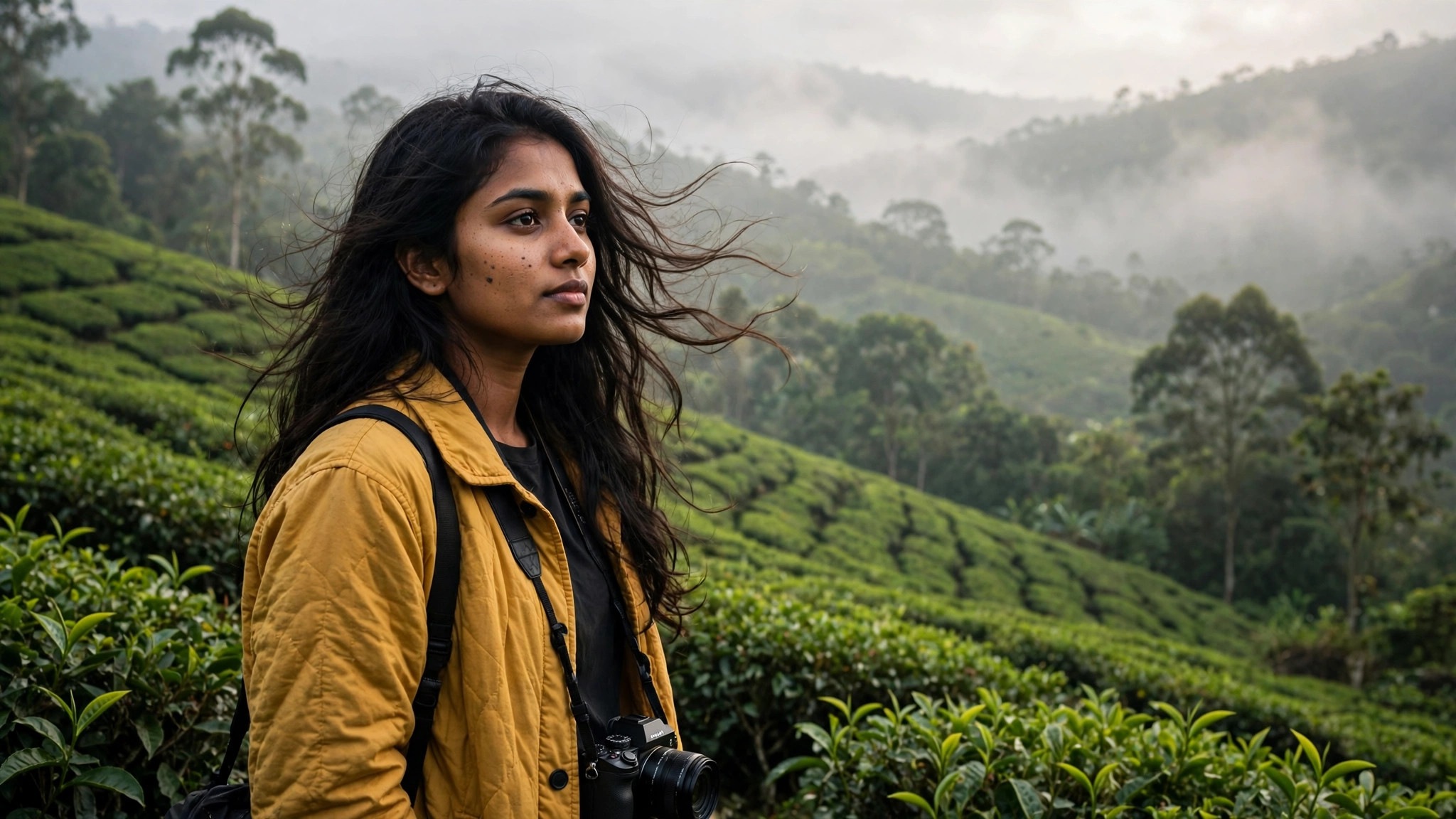
The same character, fast to test in a new scene: a misty Sri Lankan tea plantation in the hills.
What you give up
Flash is not the full model, and the trade offs are clear. It outputs 480p and 720p only, with no 1080p or 4K. It takes fewer reference images, up to 10 instead of 30. And it has no draft mode, so every clip renders in full.
For most social and test work, 720p is enough. For a final hero shot on a big screen, you will still want the full Seedance 2.5.
When to use Flash, and when to use full Seedance 2.5
Use Flash when you are still finding the shot. Test five prompt versions, try different camera moves, or make many short variants for social media. The fast render and lower price make this cheap to do.
Use full Seedance 2.5 for the take you keep, when it needs 1080p, 4K, or more than 10 reference images.
This is a simple workflow that saves both time and credits: draft fast on Flash, finish on the full model.
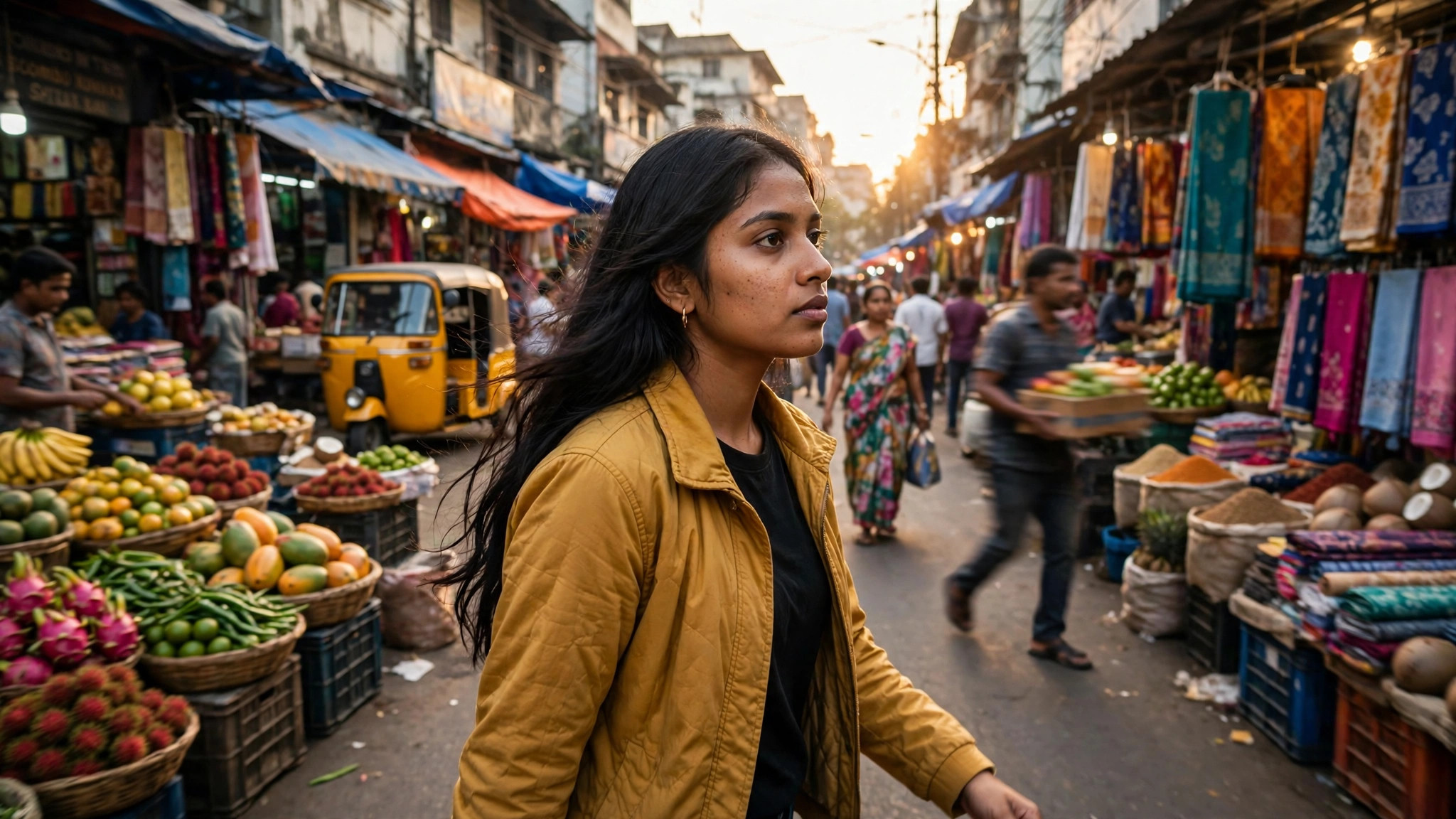
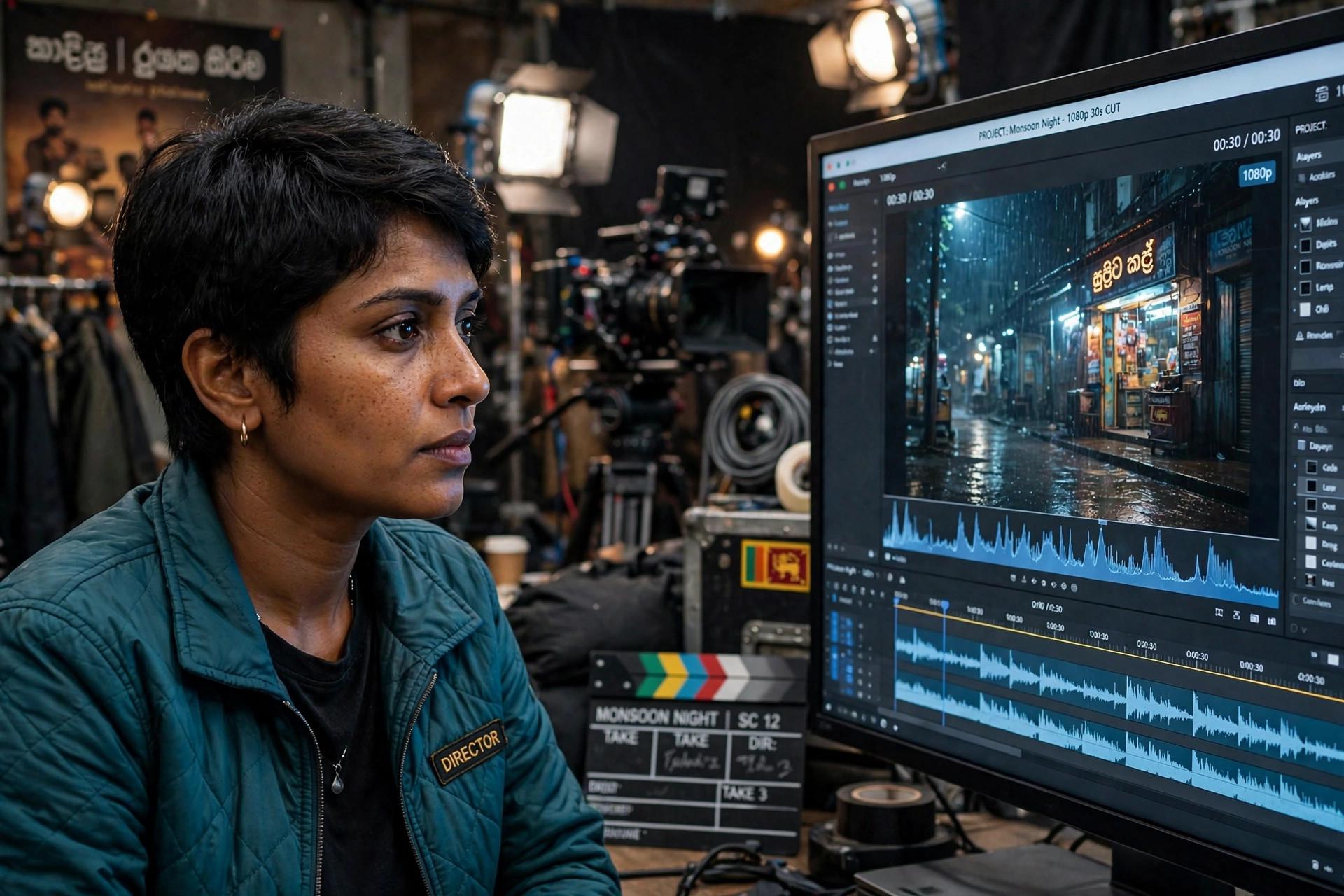
Another fast variant: the same filmmaker in a busy Pettah market street in Colombo.
Try it in NFX Studio
Seedance is one of the models inside NFX Studio, along with Kling, Wan, Hailuo and Soul ID. You can try your idea fast with Seedance 2.5 Flash, then render the keeper with full Seedance 2.5, all in one place.
There is no monthly subscription. You pay once for credits, and they stay valid for up to 12 months. Try it here: https://www.nfxcreations.com/studio
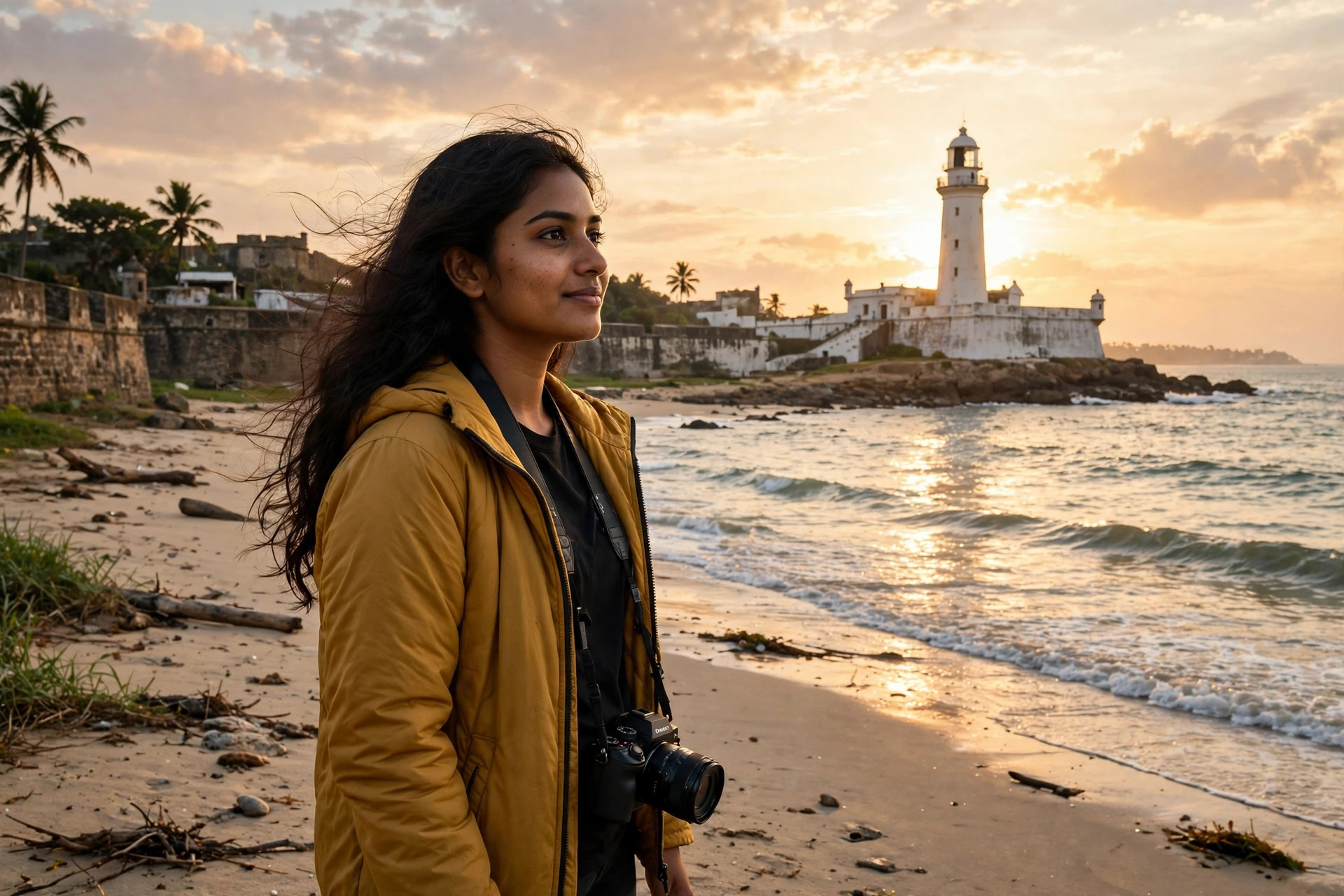
And one more: the same character on a beach at sunset near the Galle Fort lighthouse.
How to try it in 4 steps
- Open NFX Studio and pick Seedance.
- Describe your scene in plain words, with the camera move and the light.
- Generate a fast draft and check the motion, the face and the action.
- Fix the prompt, then render your final clip.
Speed changes how you work. When a clip takes a minute instead of three, you test more ideas, and better ideas win. That is what Seedance 2.5 Flash is for.
Join the conversation
Ask a question, share an idea, or leave a little appreciation.
Loading discussion…
// MORE_TRANSMISSIONS
Magi-2: 30 Seconds of 1080p AI Video With Sound Built In
Sand AI's Magi-2 makes up to 30 seconds of 1080p AI video with dialogue and sound in one pass. Here is what it does, what it costs, and where to try it.
READ_TRANSMISSION
Google Genie 4: Type a Prompt and Walk Inside an AI World
Google launched Genie 4, its most realistic world model yet. Type a prompt, step inside the world it builds, and change the weather, add a character, or redirect the action while you explore, with sound that adapts as you go.
READ_TRANSMISSION
Midjourney Niji V8: Anime Characters That Finally Stay the Same
Midjourney released Niji V8, its new anime image model. It keeps the same character across images, follows prompts more closely, and comes with its own editing model. Here is what changed and how to try it.
READ_TRANSMISSION